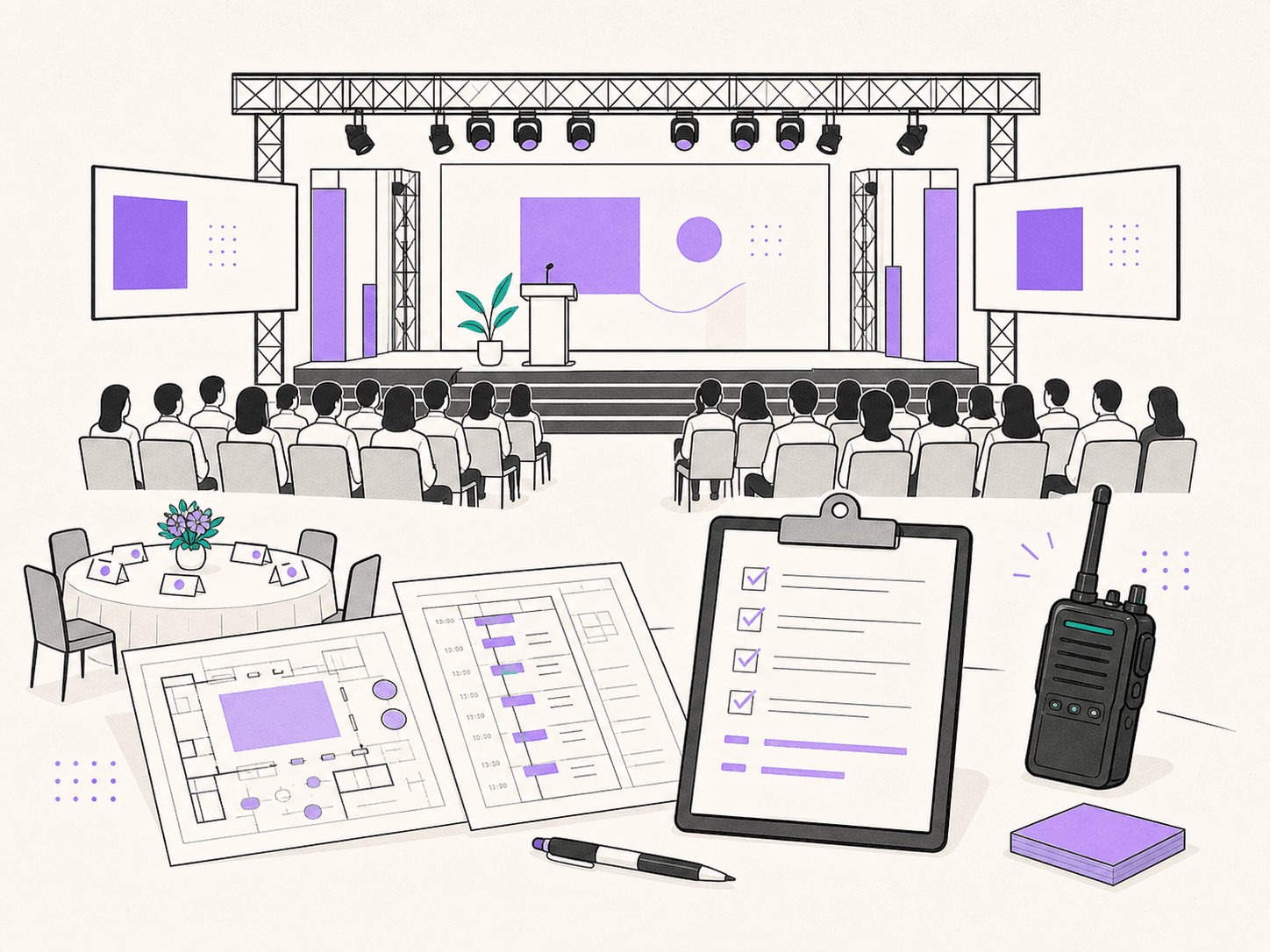
Before preparing equipmentwe review your event program
From corporate webinars to hybrid events, we set the operation standard before we talk about equipment.
Dedicated Staff by Specialty
A streaming director, audio engineer, and camera operator each take a clear role.
Because one person is not juggling everything, response is faster when something changes on site.Multi-Platform Simultaneous Streaming
We stream to platforms such as YouTube, Naver, Zoom, and Kakao depending on the goal.
Multi-platform streaming can be configured when needed.Pre-event Checks and Rehearsals
We check presenter microphones, slides, camera angles, and switching cues before the event to align the on-site programme with the online viewing experience.
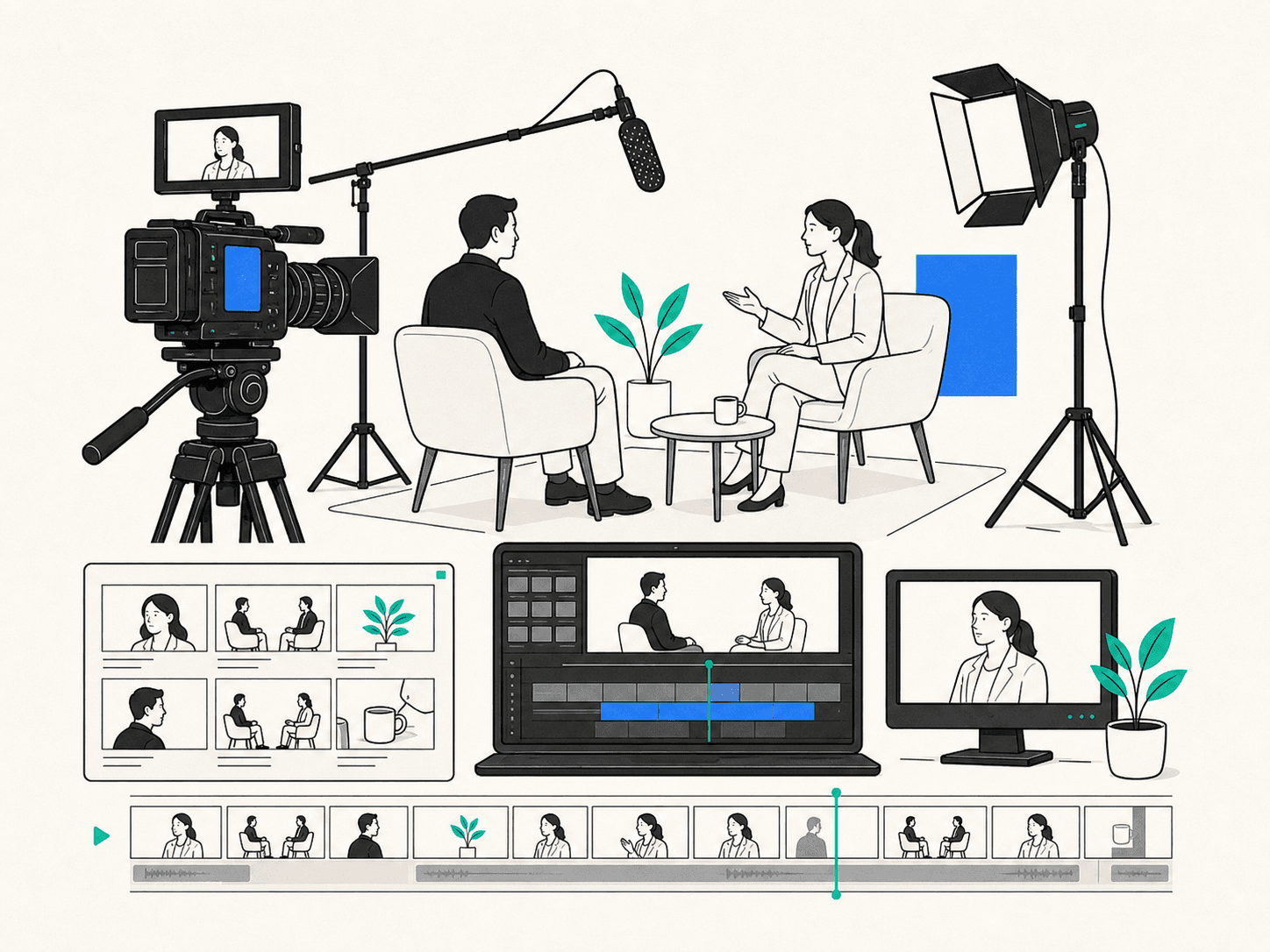
On-site crew
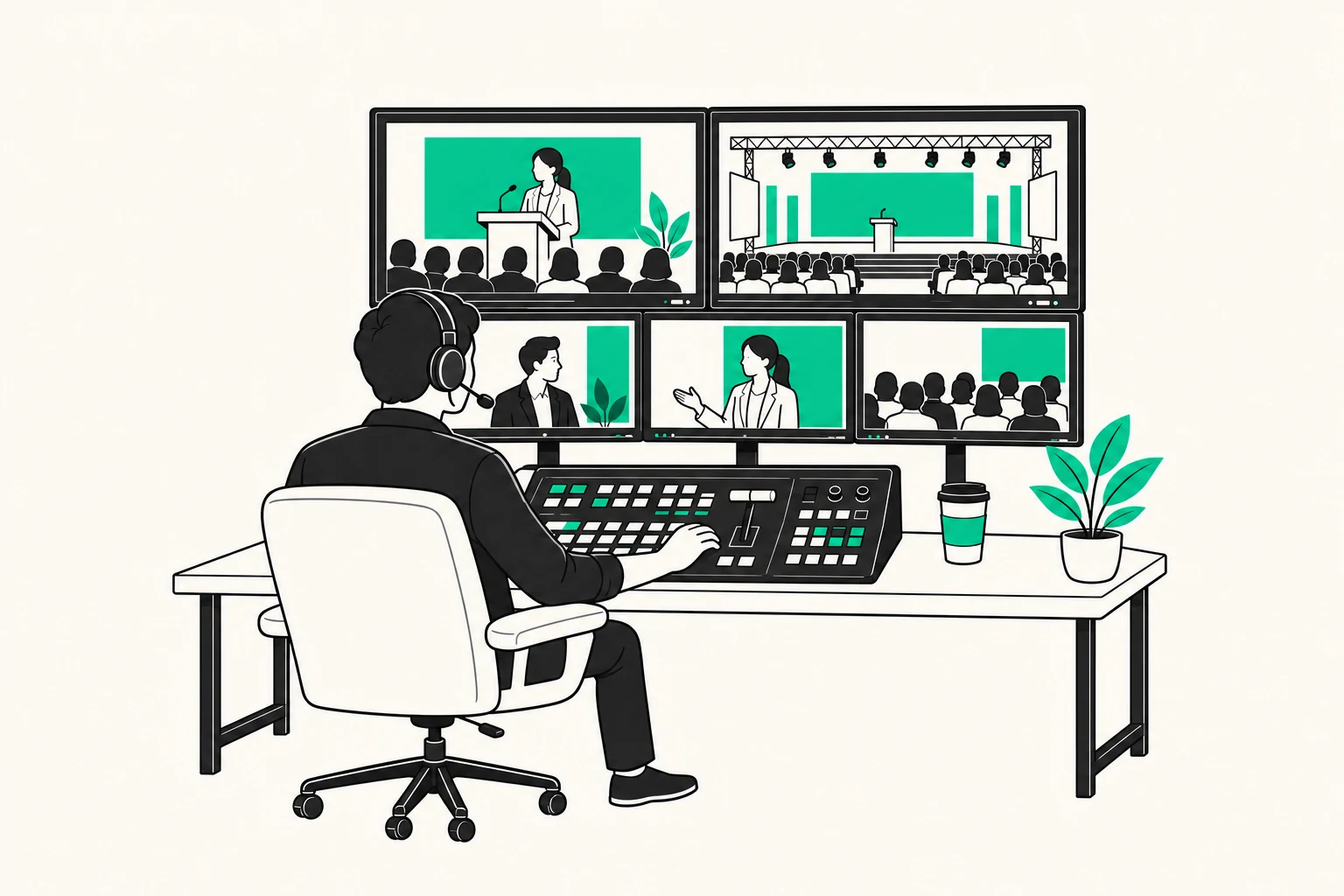
Streaming director
Handles live switching, graphics, and production cues.
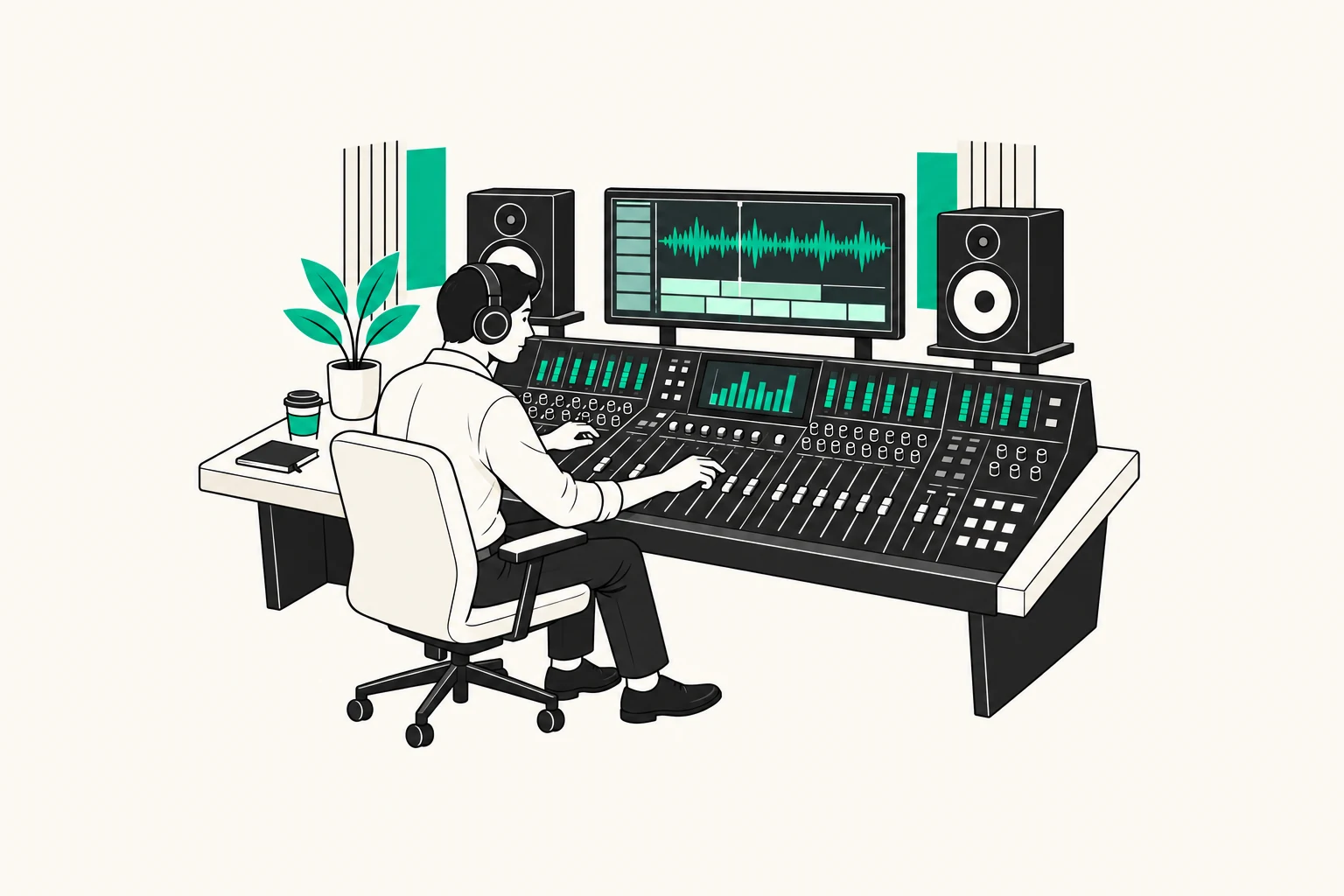
Audio engineer
Balances speaker microphones, venue audio, and stream audio.
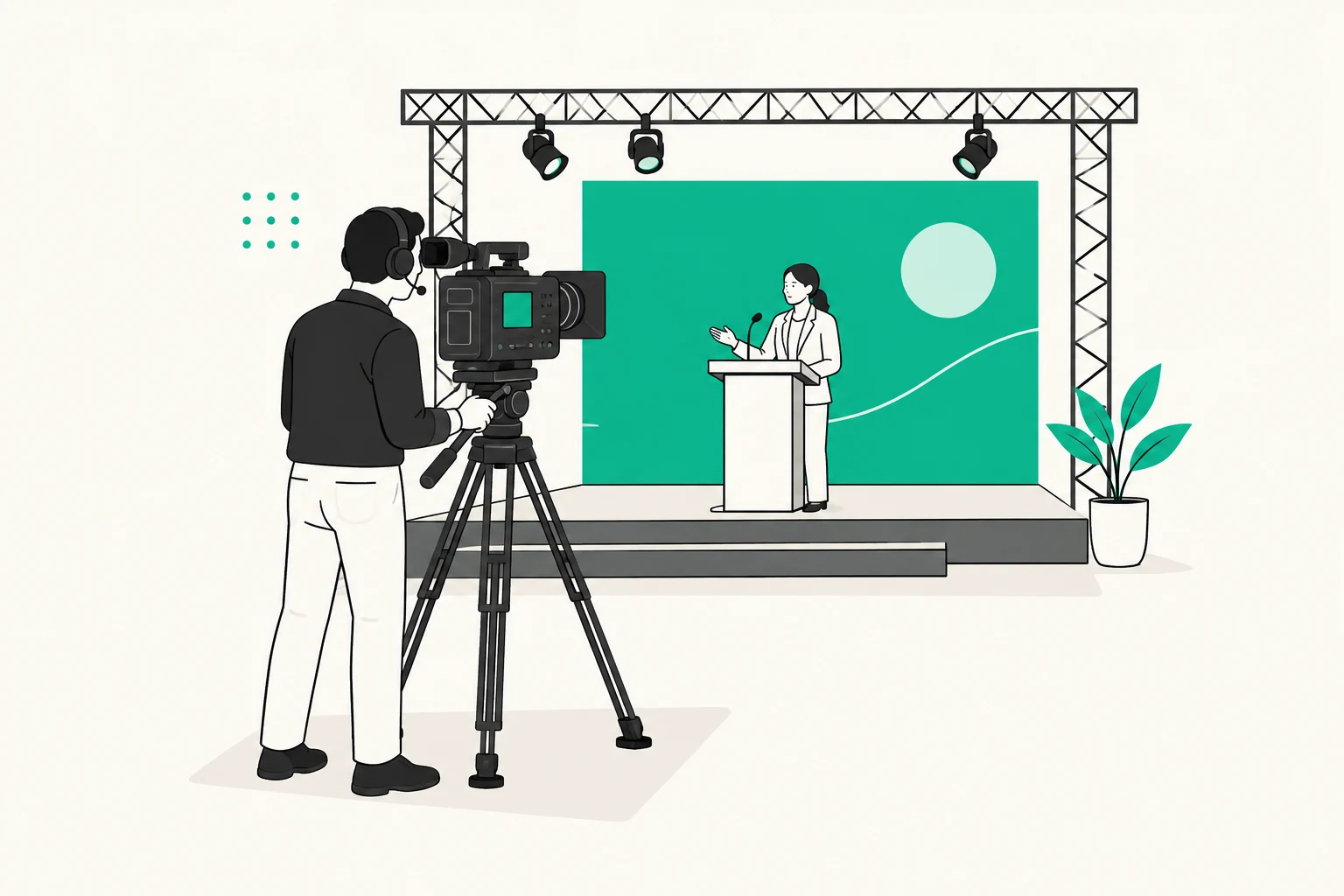
Camera operator
Frames shots and follows speakers as the event unfolds.
Equipment setup
We configure the equipment below to fit your event size and streaming setup.
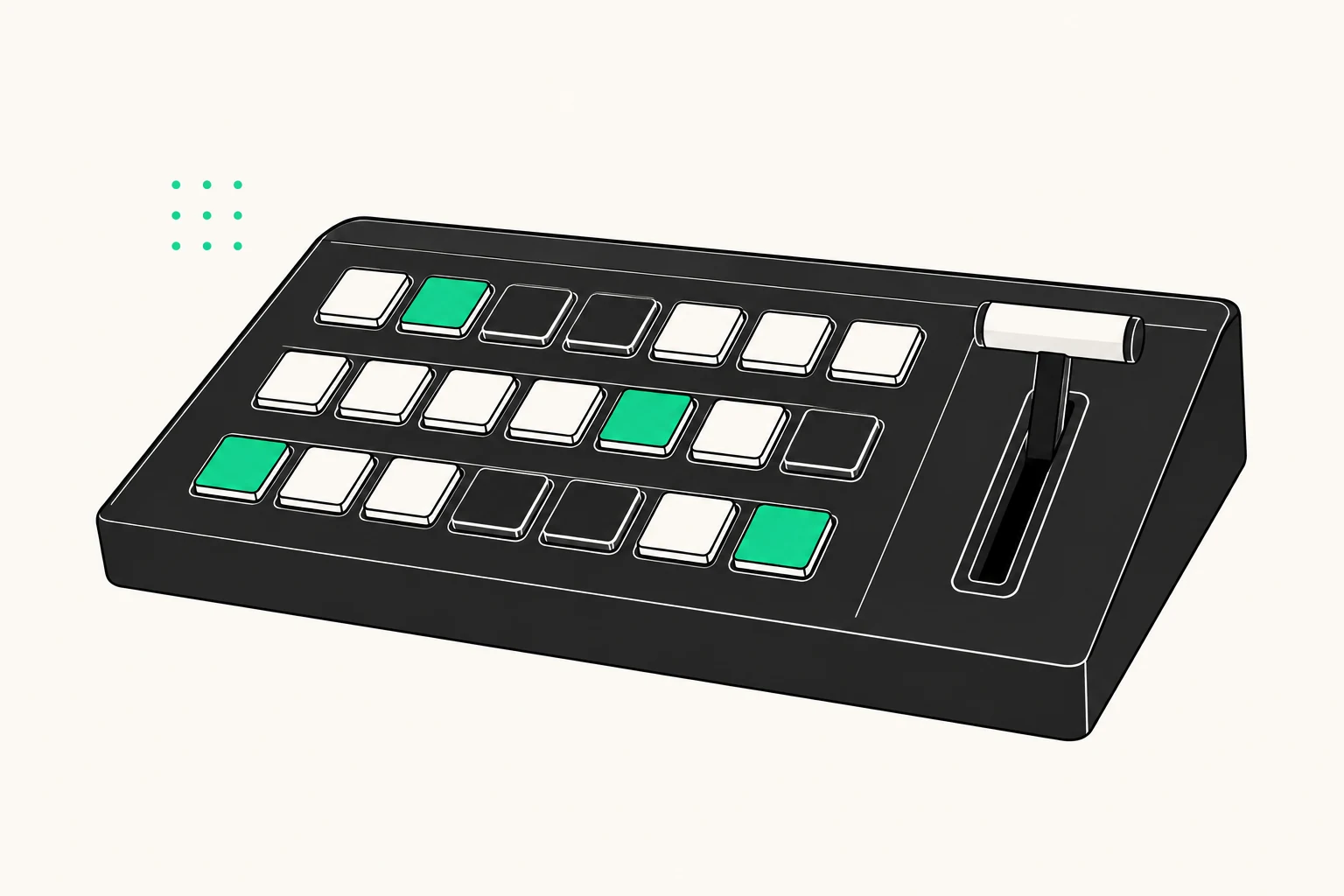
Video switcher
Switches between camera feeds and presentation screens in real time.
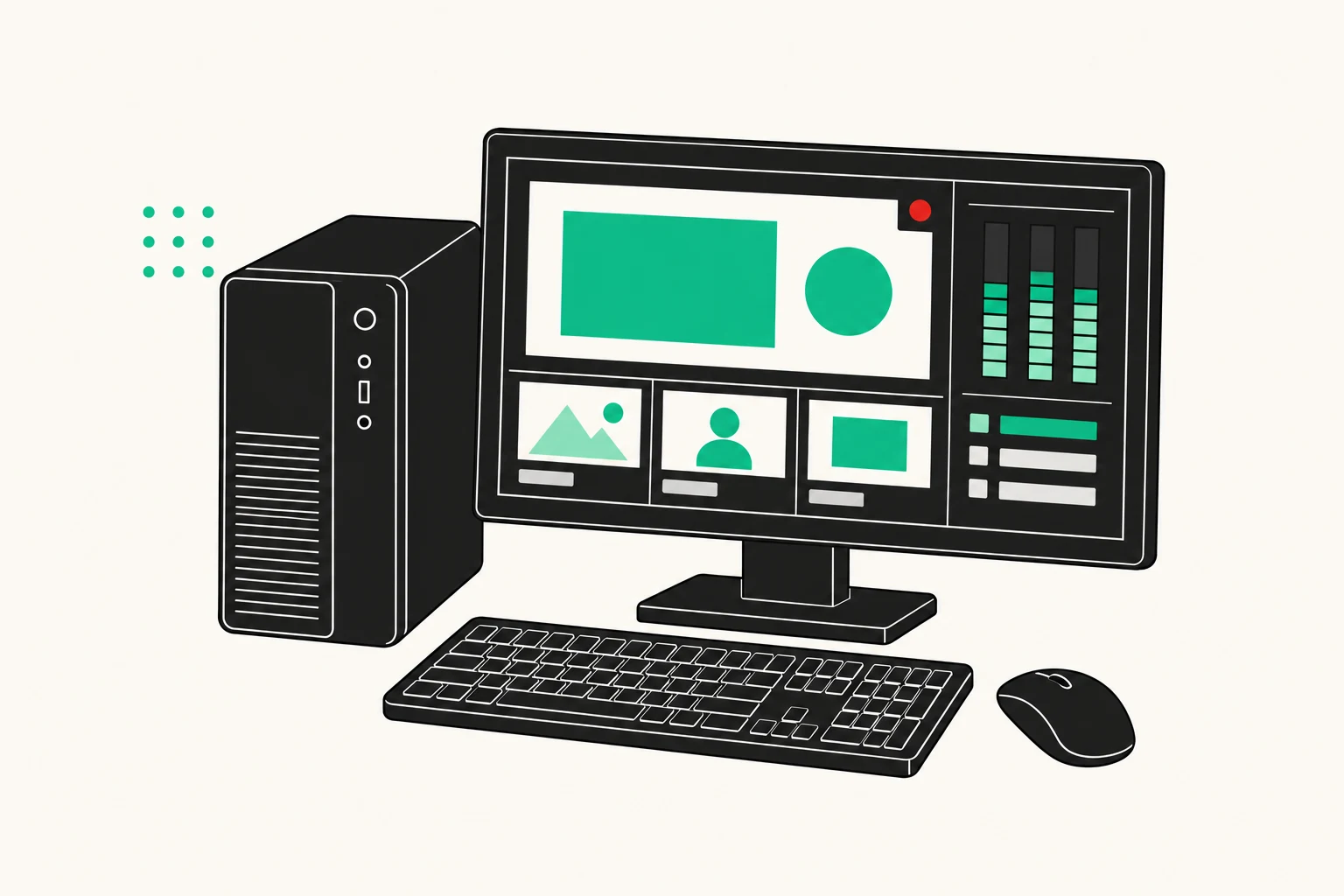
Streaming encoder
Encodes the final video feed and sends it to the streaming platform.
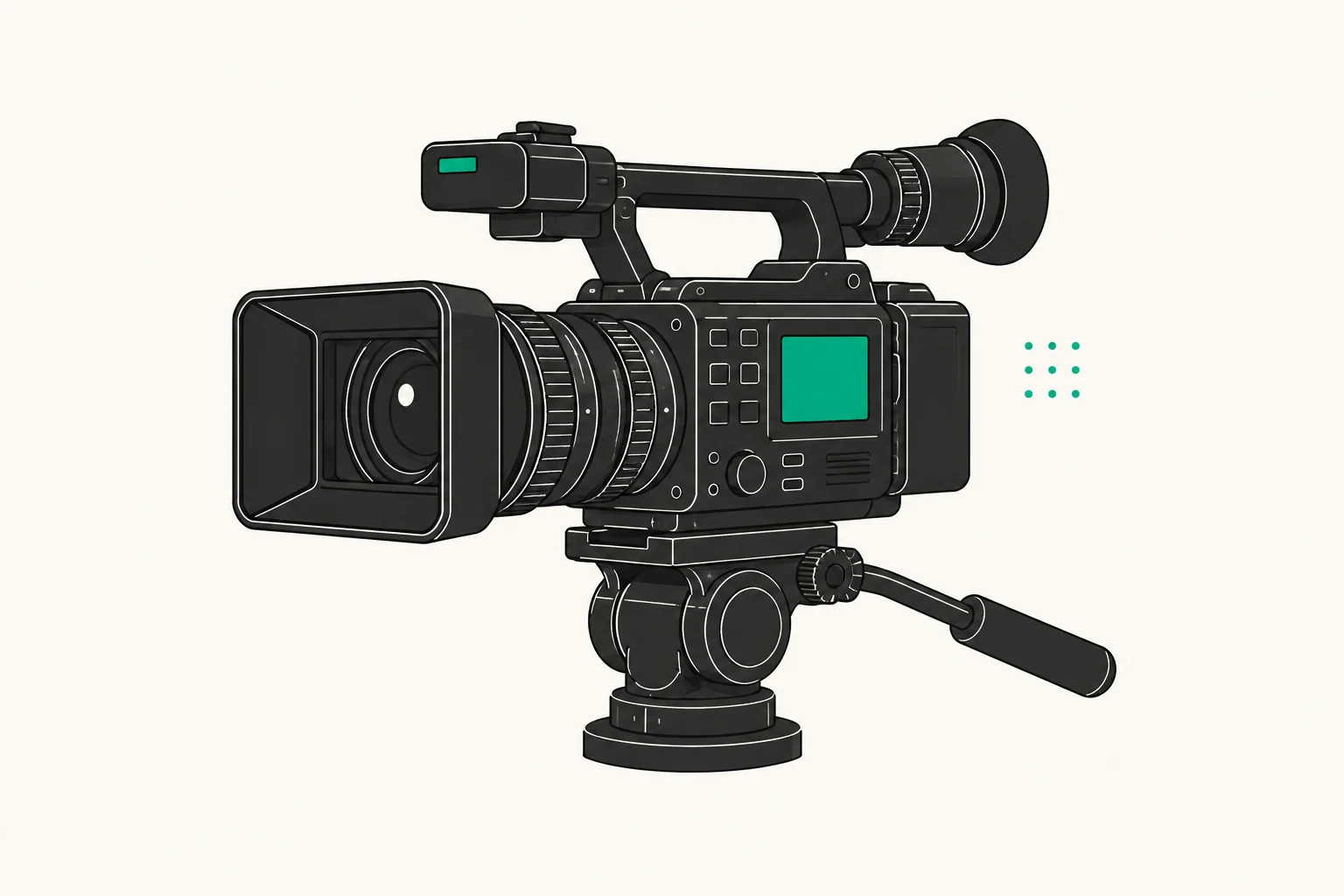
Cameras
Capture the stage, speakers, and audience from multiple angles.
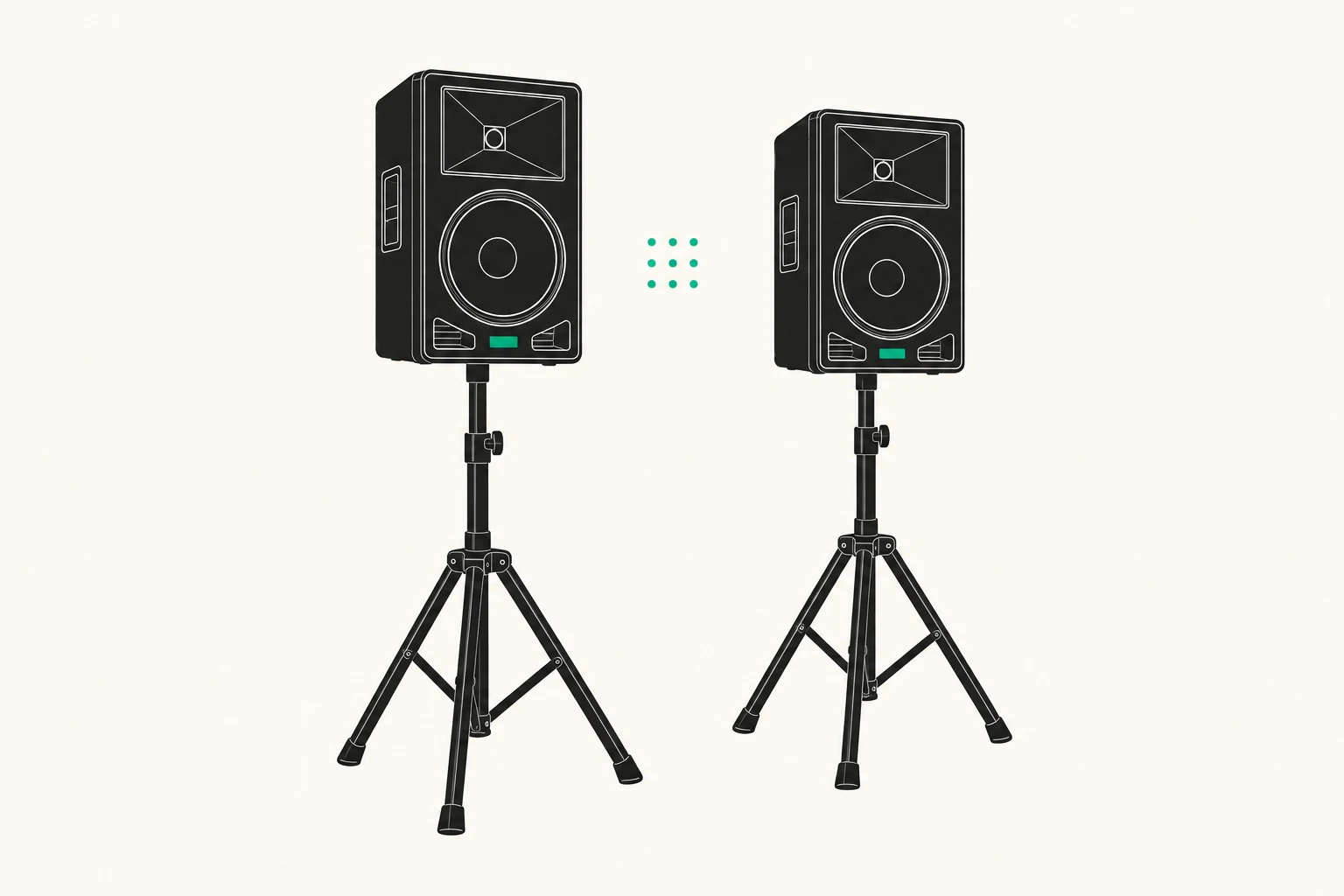
Speakers
Distribute speaker voices and video audio evenly throughout the audience area.
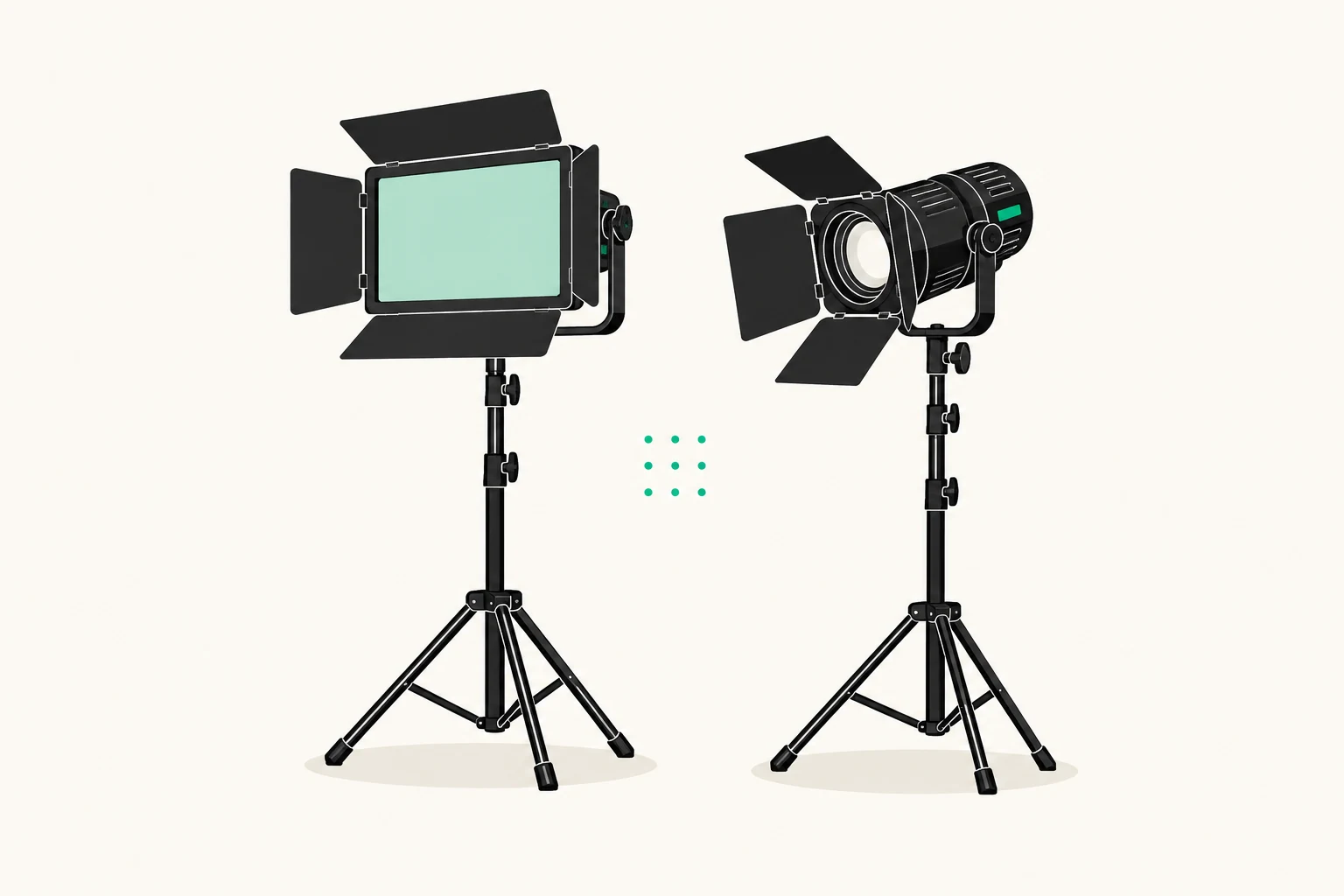
Lighting
Lights speakers and the stage for the camera.
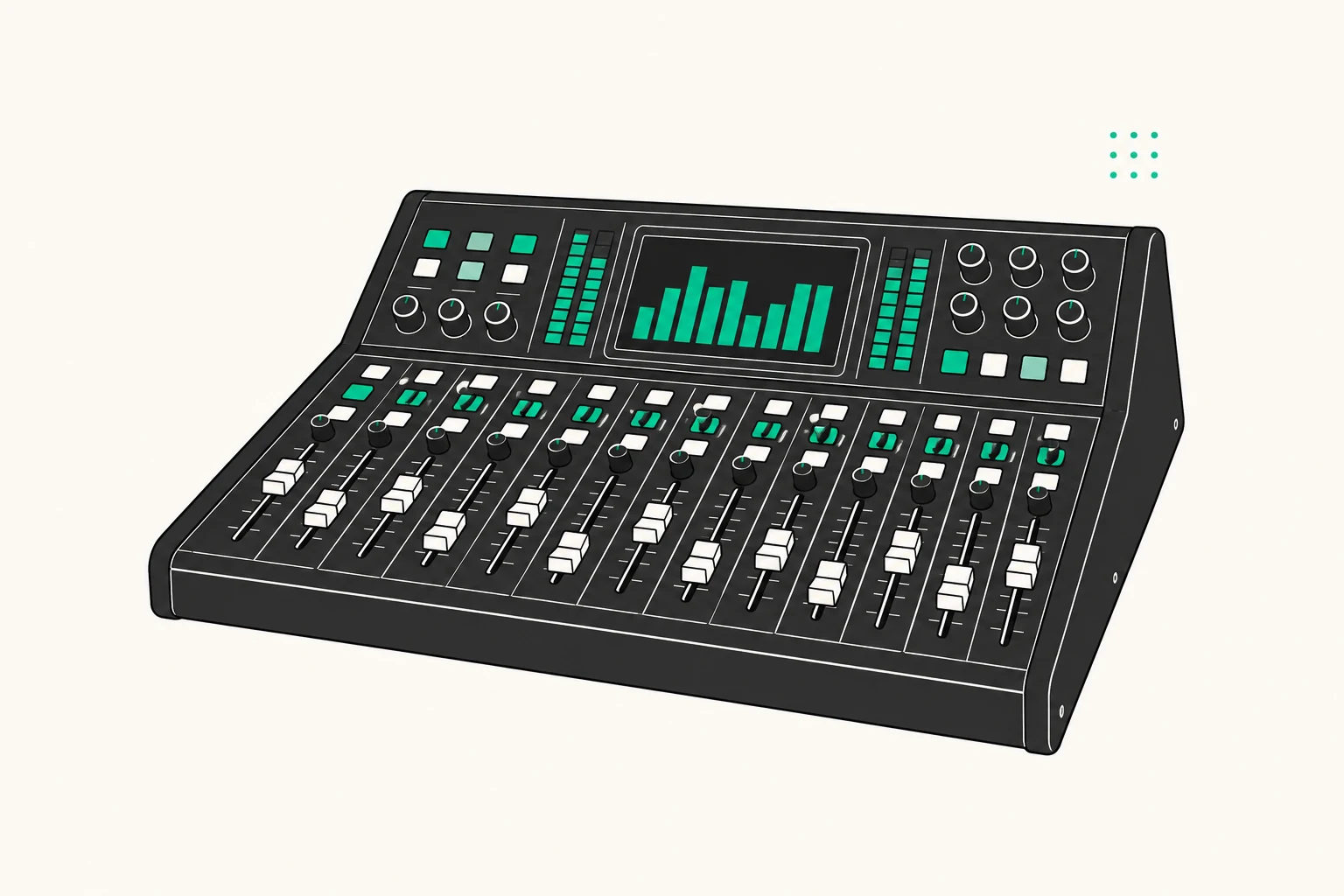
Audio console
Mixes microphone and video audio and balances levels for the venue and live stream.
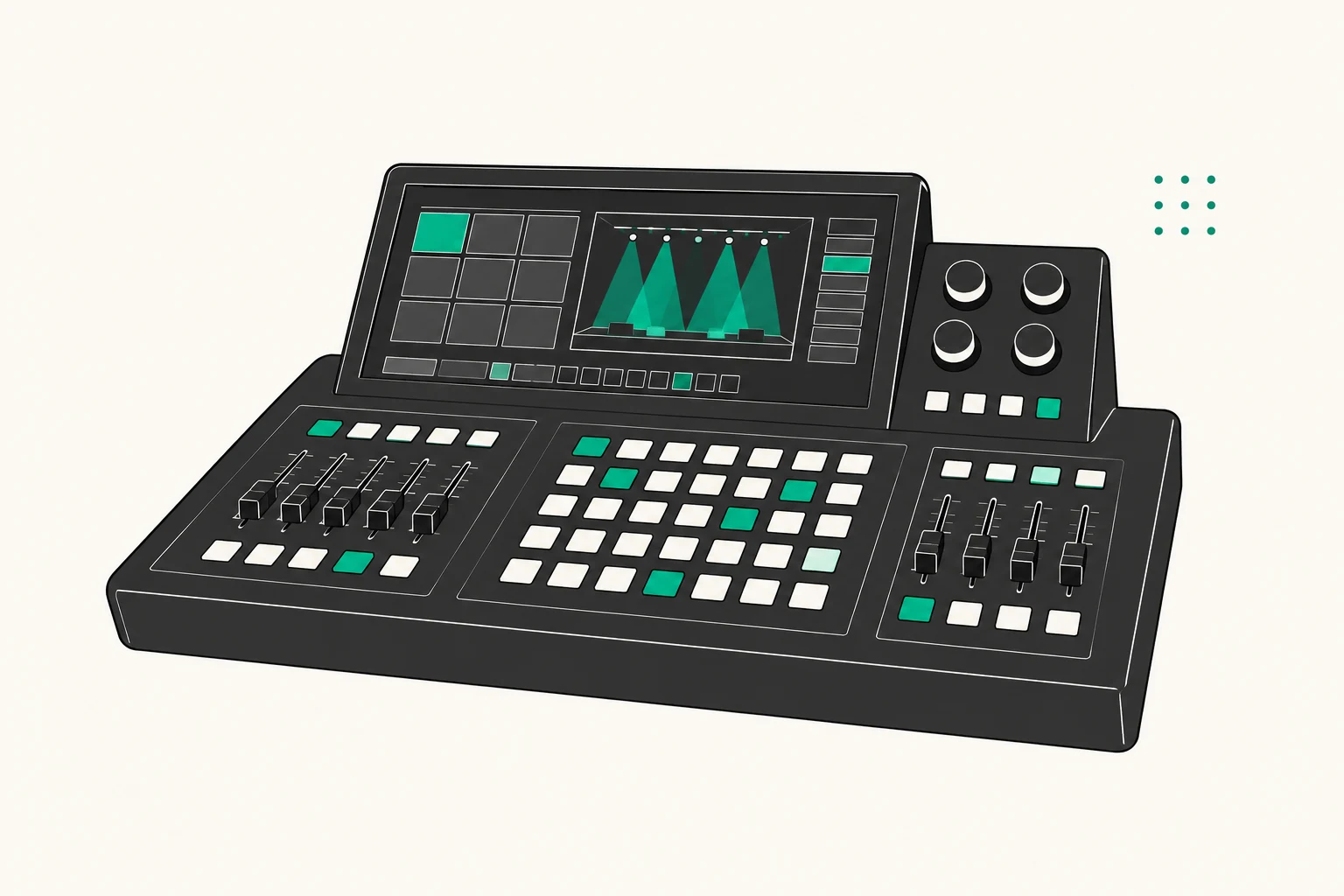
Lighting console
Changes lighting scenes to match the event program.
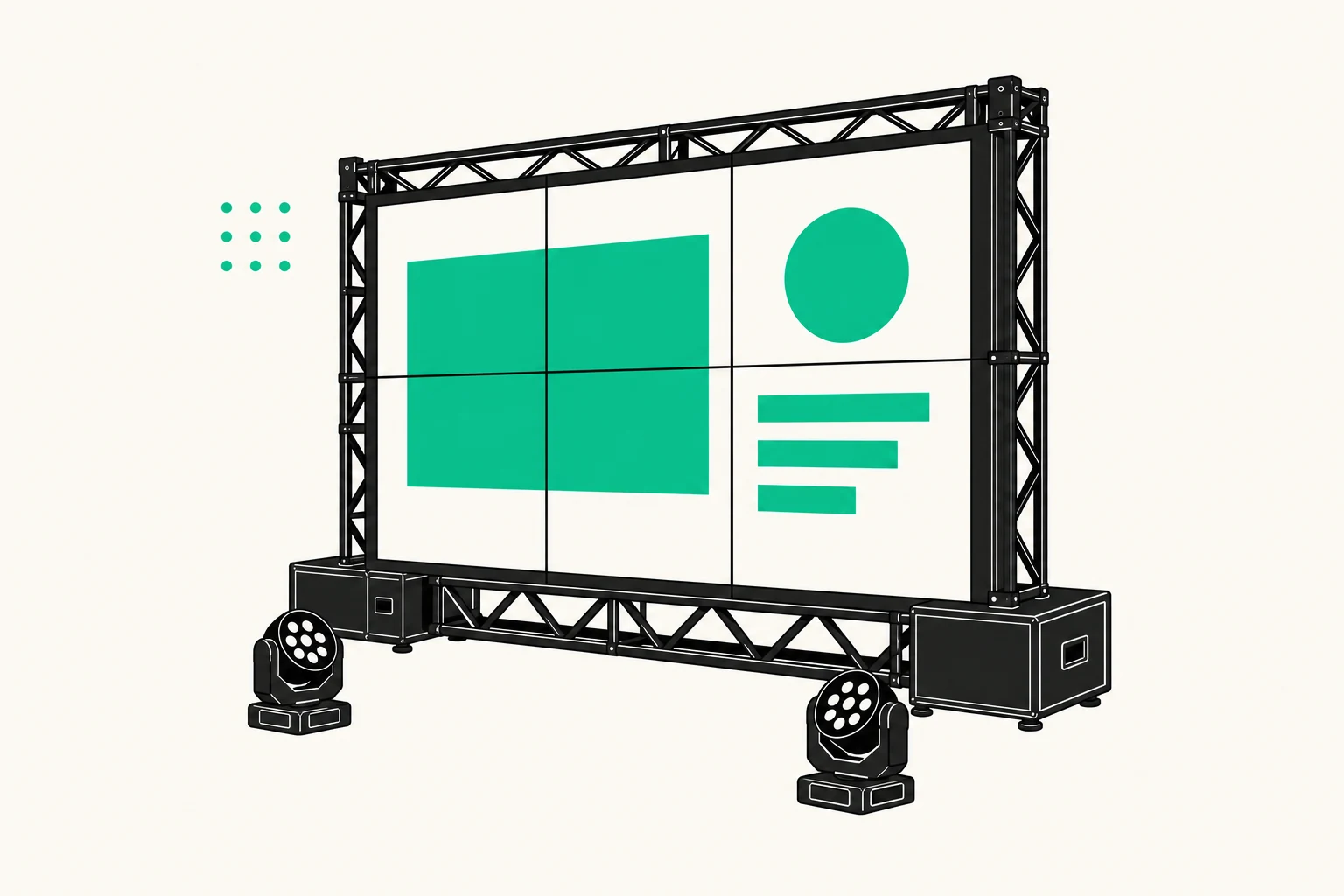
LED screen
Displays presentations and the live video feed on a large screen behind the stage.
Streaming platforms
Additional platforms available upon request






- Embed on your website
If the stream cuts out
We check the venue connection before the event and monitor it during the stream.
If a problem occurs, we identify the cause and work to restore the connection.
A backup connection or bonding device is an optional addition, not included as standard, and is agreed separately when needed.
If the venue has no internet
If wired internet is unavailable, we first assess local connectivity, then explain feasible streaming options and any additional costs.
- The year we started live streaming
- 2015
- Live streams to date
- 500+
- Live streaming clients
- 90+
Need on-site operations or event video too?
Tell us about your venue so we can plan the equipment
Just tell us your venue, platform, and expected audience size.
Contact us