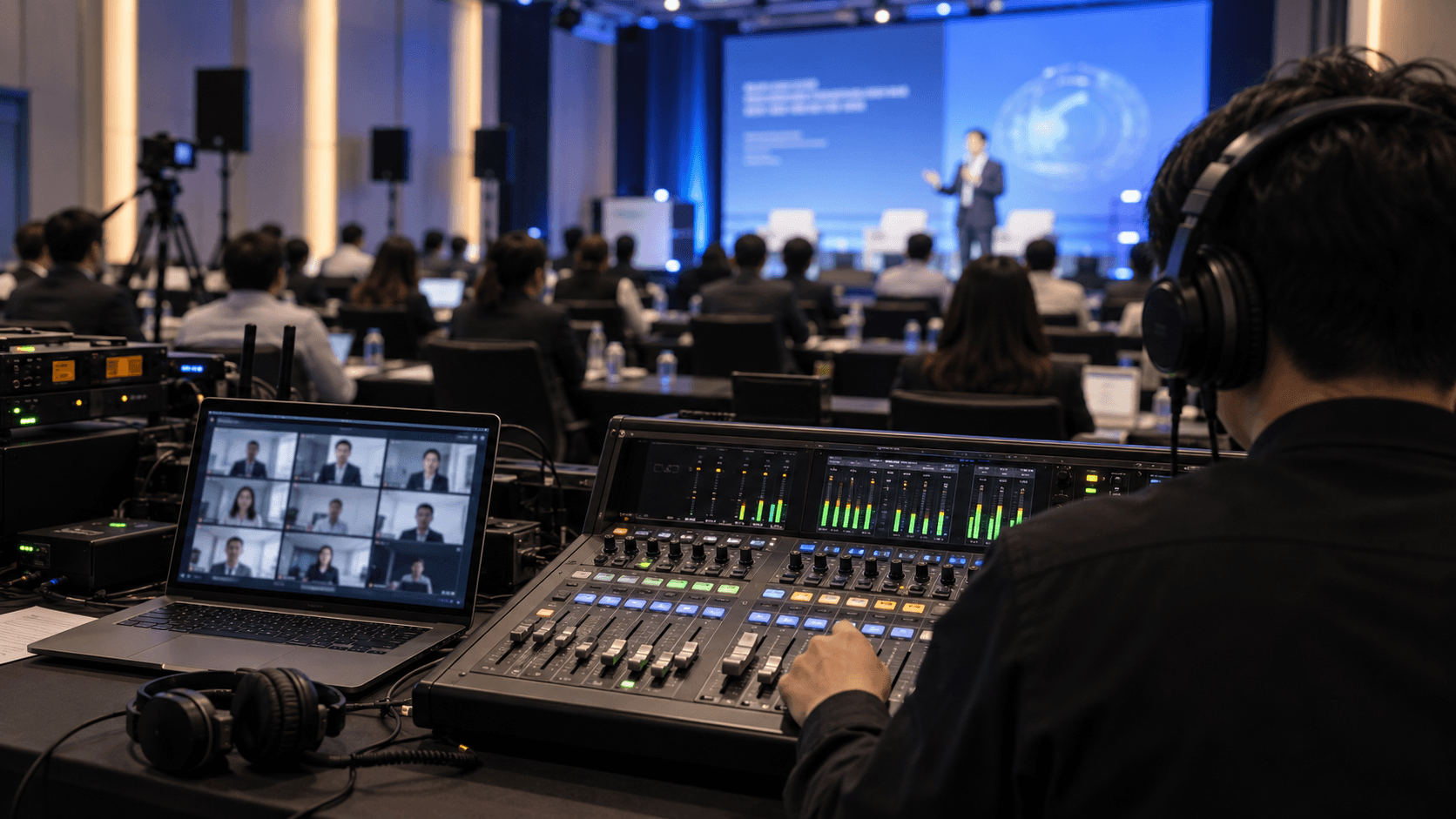
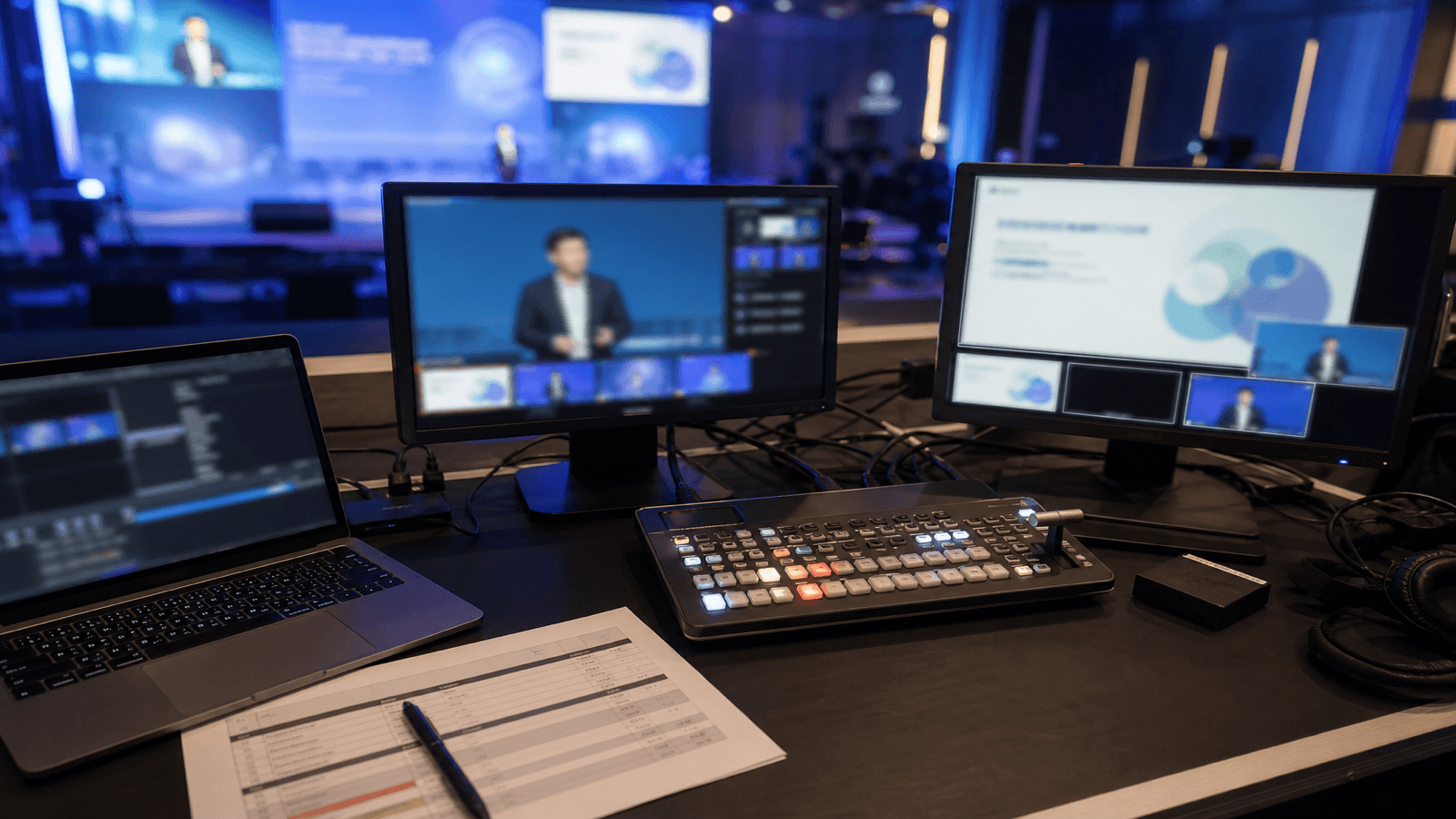
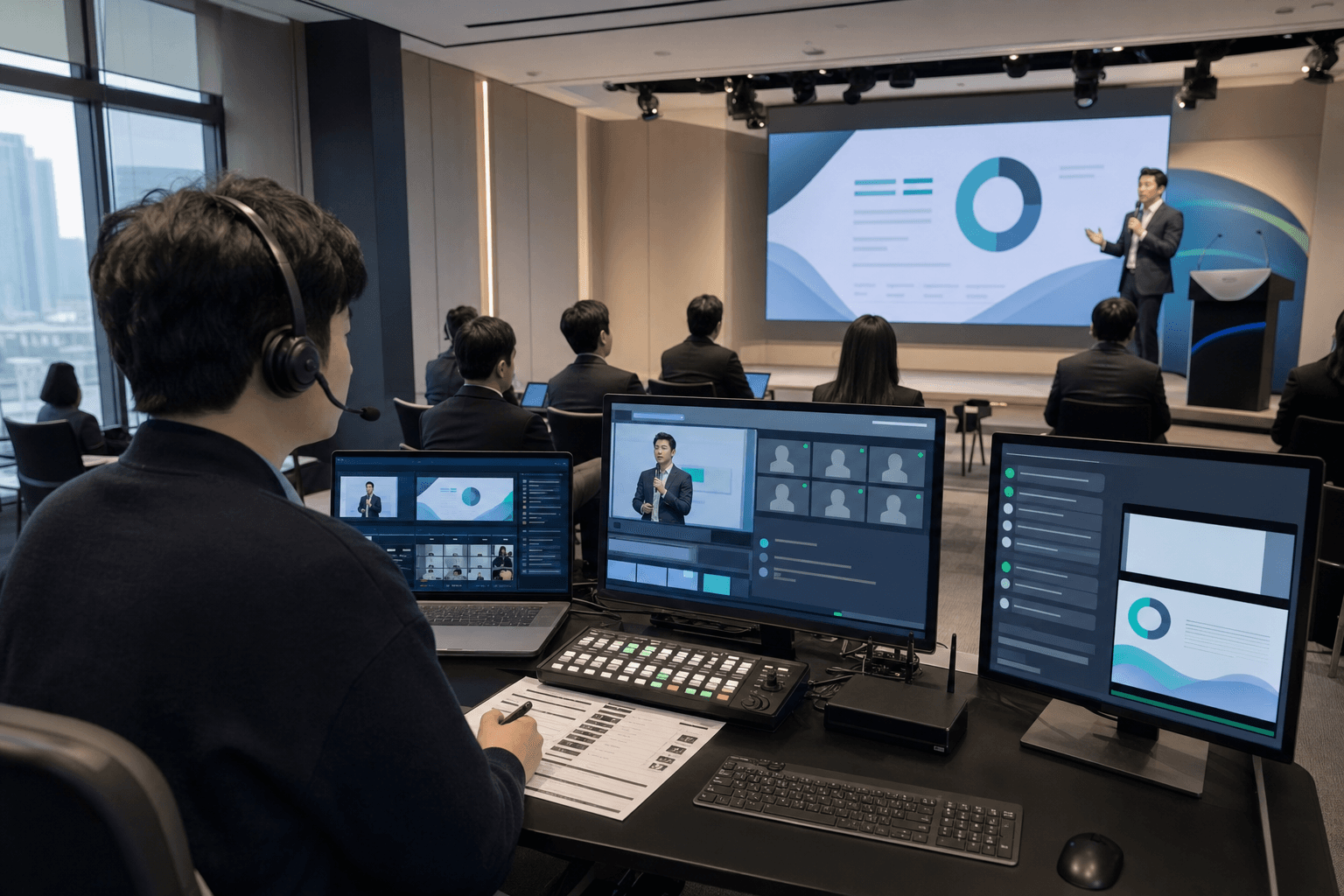
"The on-site experience was smooth, but online viewers said the video froze and the audio felt delayed."
This is one of the most common issues in hybrid event production. Even if the audience in the room is satisfied, the event is only half-successful if remote viewers struggle to follow the program.
A hybrid event is not just an offline event with a livestream added on top. Cameras, streaming infrastructure, on-site audio, speaker movement, slide visibility, online Q&A, chat support, and backup plans all need to work as one operating system.
In this guide, we break down what to check for online livestreaming, what to check for on-site event operations, and how to design the points where both sides meet.
In short, hybrid event livestreaming is the process of designing video, audio, camera switching, Q&A, and backup infrastructure so that online viewers and on-site attendees can share the same event experience. The key is not to let the streaming team and the on-site team work separately, but to make them operate from the same cue sheet and the same production logic.
Hybrid Events Mean Operating Two Venues at Once
In a standard livestream, production quality can be managed by focusing on the broadcast output. In a hybrid event, however, there are two venues: the physical room and the online viewing screen. If the event is designed only from one side, the experience quickly becomes unbalanced.
- If the event is planned only for the room, online viewers may miss speaker expressions, slides, audience reactions, and Q&A flow.
- If the event is planned only for the screen, the on-site pace, stage movement, and audience interaction may feel awkward.
- Most risks happen where online and offline operations meet: audio, camera switching, Q&A, and platform management.
That is why hybrid event production is less about bringing more equipment and more about aligning online and offline operating standards before the event begins.
1. What to Check for Online Livestreaming

Online livestreaming is responsible for delivering context to people who are not in the room. Instead of simply sending a camera feed, the production needs to help viewers understand the content, atmosphere, and flow of the event through the screen.
Choose the Internet Setup Based on the Venue
- Start by testing the venue internet environment. Upload speed and stability matter more than download speed.
- Wired internet is generally the most stable option, but in some venues LTE/5G can be more reliable than the available wired line.
- Test the available wired and wireless connections, then choose the option suited to the event.
- If the venue connection cannot support the stream, agree on feasible alternatives and any additional costs in advance.
Define the Viewer Experience by Platform
Zoom, YouTube Live, and private webinar platforms create very different viewer experiences. Chat, Q&A, recording, access control, and screen layout all affect the production setup and staffing plan.
Design the Screen for Remote Viewers
A single wide camera shot from the back of the room rarely works well for online viewers. The screen needs to explain what is happening: speaker close-ups, slides, audience reactions, and Q&A moments should all be considered.
- Picture-in-picture layouts that show both the speaker and slides
- Name, session, and speaker identifiers as visual overlays
- Camera switching tailored to presentations, panels, and Q&A sessions
Remote viewers cannot see the whole room, so the screen needs to keep providing context.
2. What to Check for On-Site Event Operations

The physical venue creates the rhythm and atmosphere of the event. But in a hybrid event, what happens on-site directly affects the livestream. Stage layout, sound, slides, lighting, and movement all need to be checked from the broadcast perspective.
Four Things to Check On-Site
- Confirm that the speaker microphones are cleanly routed to both the room speakers and the livestream audio.
- Check whether the stage lighting and speaker position look clear on camera.
- Make sure slides display properly on both the venue screen and the online feed.
- Review audience movement, camera movement, and staff movement so they do not interfere with one another.
3. Design the Points Where Online and Offline Meet

The most common issues in a hybrid event happen at the intersection of online and offline operations. Decide in advance how on-site questions move online, how online questions reach the host, and how on-site audio is routed into the stream.
Allocate Roles Based on the Event Format
Technical Director for Camera Switching
- Manages camera switching between speakers, slides, audience reactions, and key moments.
- Maintains the visual rhythm of the online screen according to the on-site program flow.
- Coordinates with camera operators when needed.
The goal is not to separate every role for every event, but to allocate the right people effectively based on the event scale and streaming format.
Livestream Director for Online Output
- Monitors the streaming software, encoder status, and platform connection.
- Checks video, audio, and delay from the actual viewer perspective.
- Prepares backup options when a connection or output issue occurs.
Additional Operators When Needed
- For Zoom-based delivery, assign an operator for entry control, screen sharing, muting, and participant management.
- If captions are operated separately, assign a caption operator to match caption timing with the session flow.
- For smaller events, some roles can be combined. The important thing is that someone clearly owns the points where issues are likely to occur.
What the Hybrid Event Cue Sheet Should Include
- Online entry guidance, waiting screen, and opening announcement
- Order of on-site and online Q&A
- Backup announcements and switching rules when streaming issues occur
4. Hybrid Event Checklist by Area

If you remember only one criterion, use this: can online viewers understand and participate as naturally as on-site attendees? Something that feels natural in the room can feel very different online because of framing, audio level, delay, caption placement, or chat response.
MOTIONSENSE’s Principle for Hybrid Event Operations
MOTIONSENSE follows one simple principle for hybrid events: online livestreaming and on-site production should be designed as one event.
Remote viewers should be treated with the same level of importance as on-site attendees. Whether the slides are readable, the sound is stable, and the Q&A flow is easy to follow determines the overall quality of the event.
Many vendors can make a venue look good. A strong hybrid event team designs staging, livestreaming, audio, platform operation, and production staffing as one connected workflow.
FAQ
How is a hybrid event different from a regular livestream?
A regular livestream often focuses on broadcast quality. A hybrid event requires both online livestreaming and on-site production to be designed together, including cameras, audio, slides, Q&A, chat, and venue movement.
What should be checked first for online livestreaming?
Start by checking the actual connection at the venue. Choose a suitable wired or wireless option, then rehearse on the intended platform to check that viewers can see and hear the programme clearly.
What is easy to miss in on-site operations?
Things can look and sound fine in the room but translate poorly online. Microphones, speakers, camera positions, lighting, and slides should all be checked from the livestream viewer perspective.
How should production roles be allocated?
It depends on the event scale and streaming format. As a baseline, separate the technical director for camera switching and the livestream director for online output. Add a Zoom operator or caption operator when the program requires it.
What affects the cost of hybrid event operations?
Cost depends on camera count, streaming platform, on-site audio setup, rehearsals, online moderation, and the scope of on-site production. Define the operating scope first, then compare quotes.
If you are planning a hybrid event, start by designing online livestreaming and on-site operations as one workflow. The quality of a hybrid event is not decided by how the room looks alone, but by whether the room and the online audience can share the same moment.
If you need hybrid event livestreaming in Seoul or across Korea, feel free to contact MOTIONSENSE.