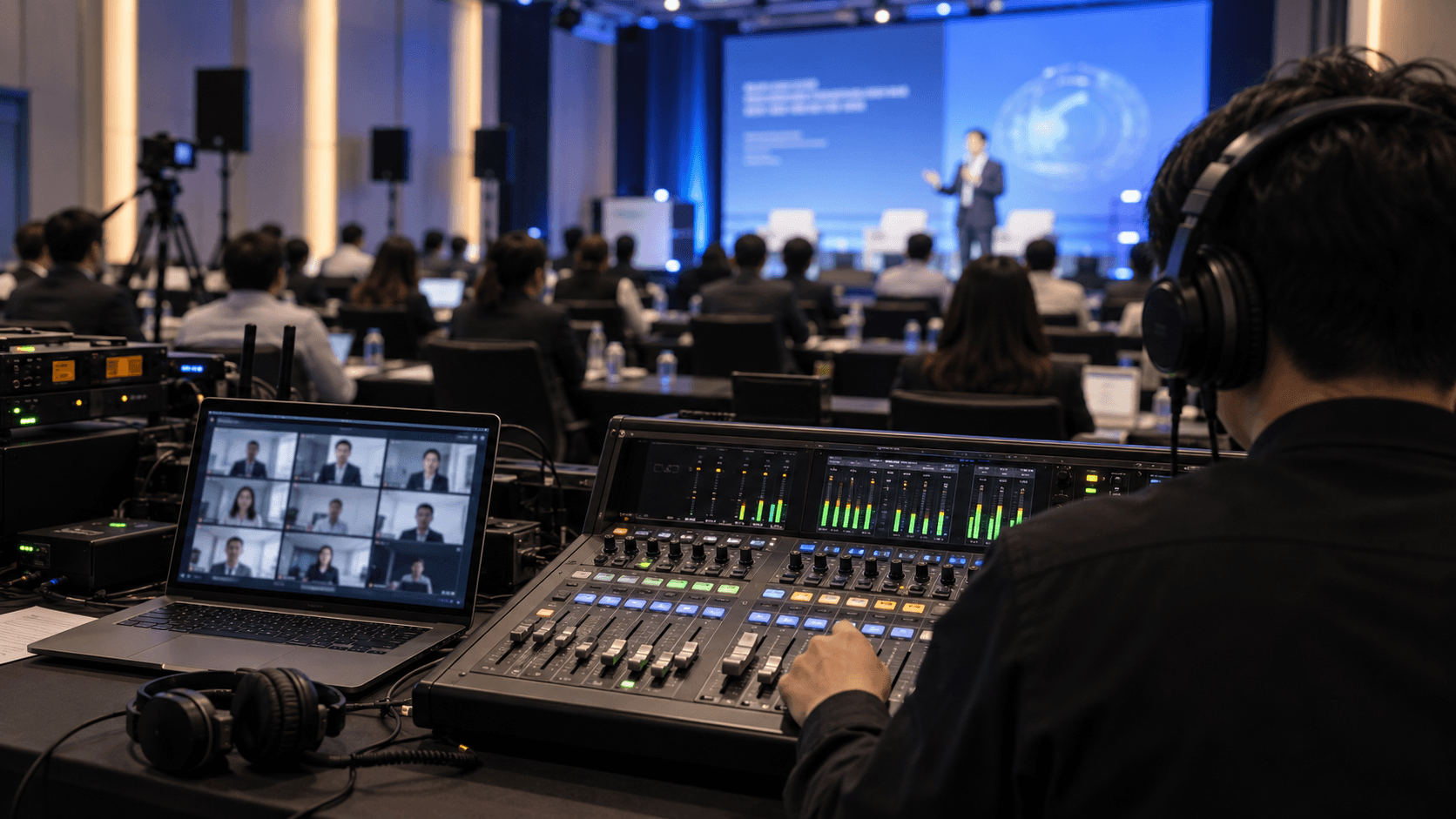
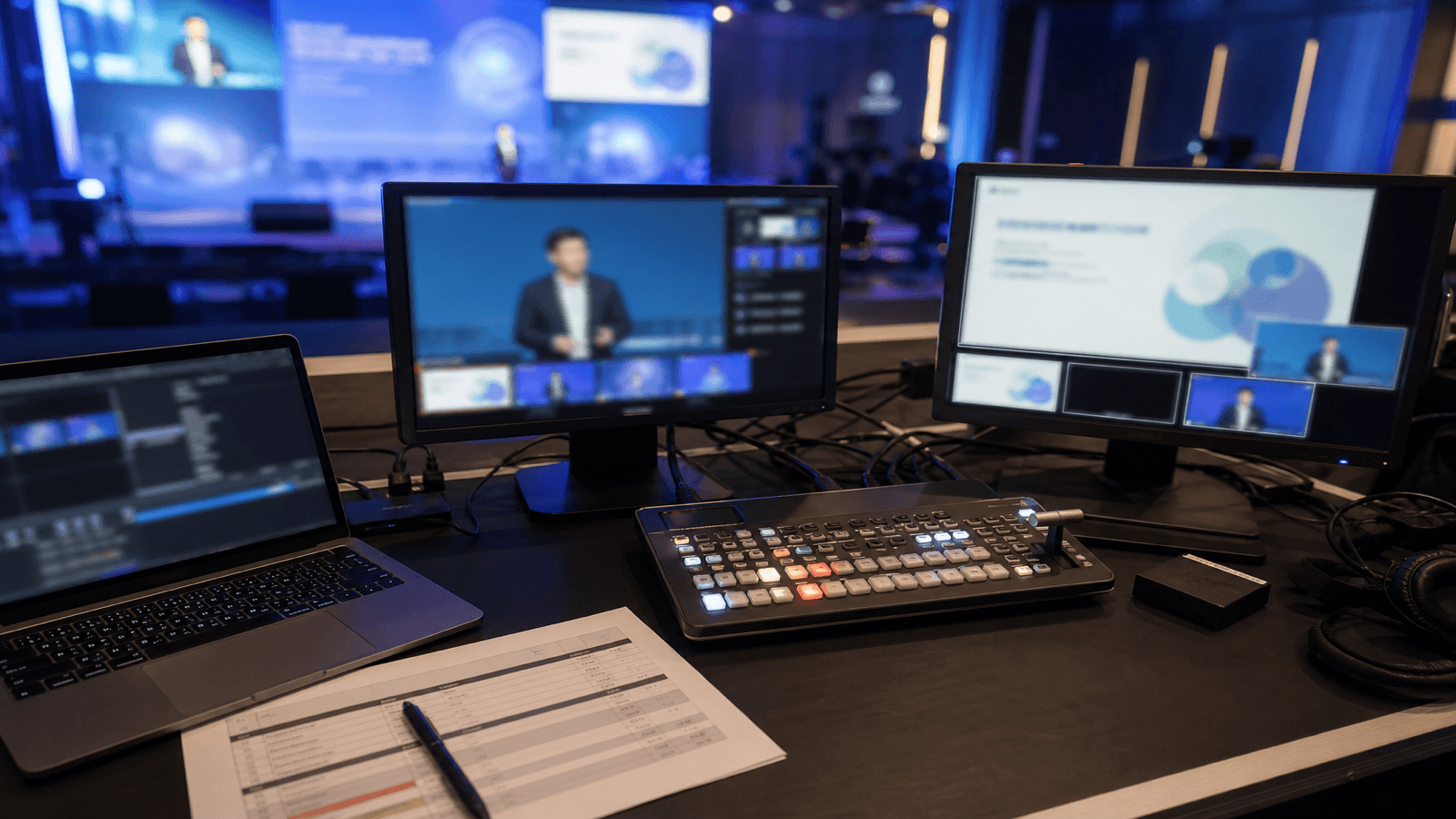
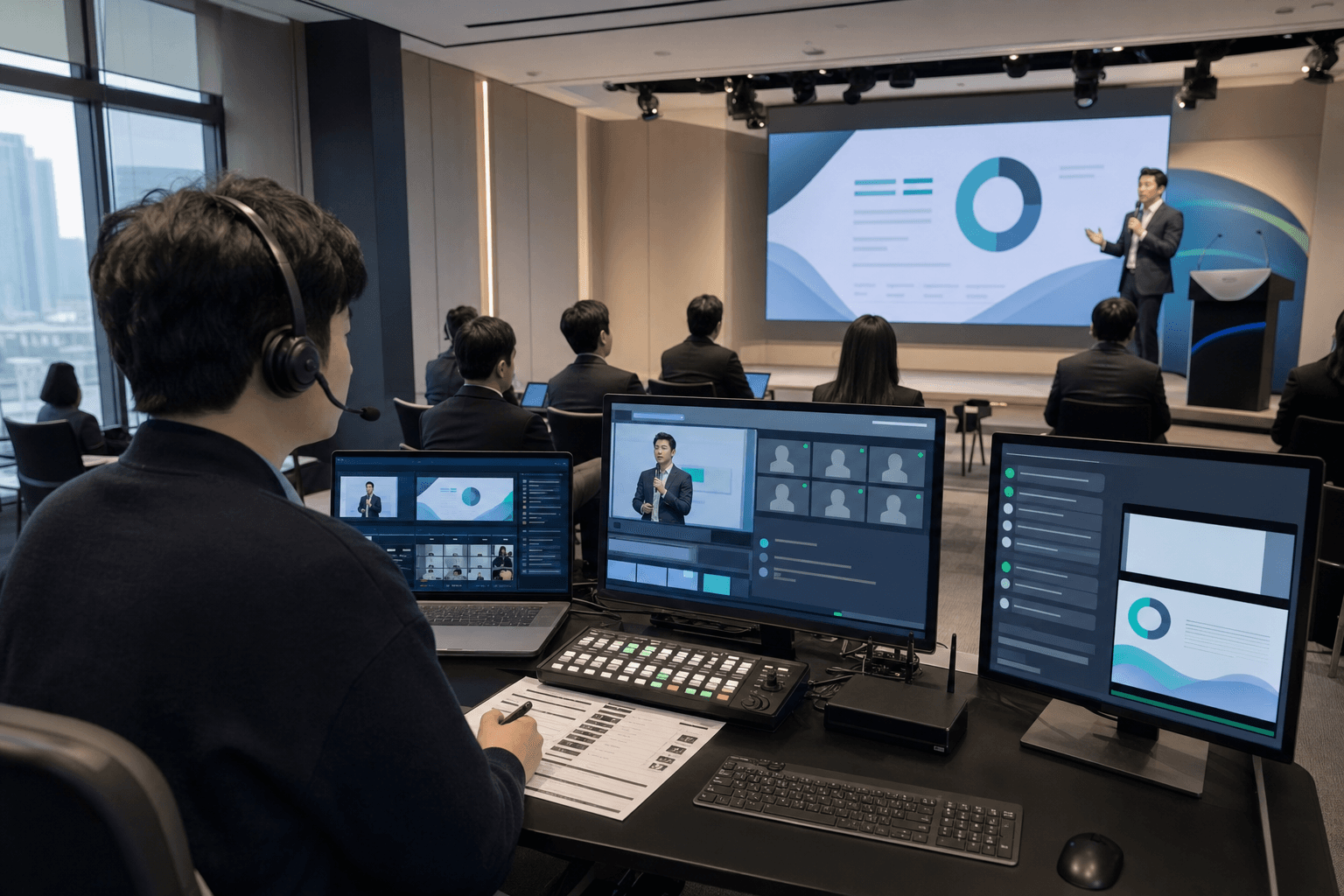
When global teams plan an event livestream in Korea, one question usually comes up very early.
Why do livestreaming quotes vary so much from one production team to another?
Some quotes are built around the number of cameras. Others break down streaming platforms, audio routing, operators, rehearsal time, and recording deliverables. If you are reviewing these quotes for the first time, it can be hard to tell whether one option is truly expensive or simply more complete.
In our earlier post, Why MOTIONSENSE Delivers Stable Streams at Every Event, we covered the operational factors behind a stable livestream. In this guide, we will look at how those same factors affect the actual cost of corporate event livestreaming.
In short, livestreaming cost is not just an equipment rental fee. It is shaped by the camera plan, audio routing, streaming platform, venue internet, rehearsal scope, and crew structure. A good quote should not only say how much it costs; it should show what is included, what is optional, and what risks the production team is taking responsibility for.
Livestreaming cost is not decided by equipment alone
The most common misunderstanding is simple:

“Isn’t one camera cheaper and multiple cameras more expensive?”
That is partly true. Camera count matters. But in real corporate livestreaming, several other factors can make a bigger difference than the cameras themselves.
For example, two events may both use two cameras. One may only need a fixed wide shot. The other may require live switching between a presenter, slides, panel speakers, and audience questions. The second setup needs more planning, more monitoring, and usually more people in the control flow.
A livestreaming quote is usually shaped by items such as:
- Camera count and shooting style
- Switcher, encoder, and monitoring setup
- Audio console connection and microphone conditions
- Streaming platform, such as YouTube, Zoom, or a private page
- Lower-thirds, slide input, and on-screen graphics
- Rehearsal and pre-stream testing
- Venue internet conditions and backup plan
- Technical director, streaming director, and operators
So when two quotes look different, the real question is not simply “which one is cheaper?” It is closer to: what level of event-day risk is this quote designed to cover?
Camera count matters, but switching structure matters more
Yes, the cost changes depending on whether the event uses one camera, two cameras, or a larger multi-camera setup. But the more important question is how those cameras will be used.

If the event only needs a wide shot of the stage, a single locked-off camera may be enough. But if the online audience needs to see the speaker’s expression, slide content, panel reactions, and audience questions, the setup becomes more complex.
A wide shot, a speaker close-up, and a reaction or audience camera can make the online experience much easier to watch. But that also means additional cameras, monitoring, switching, and crew roles.
If you want to understand camera planning in more detail, our event camera setup guide may also be useful. Camera count is not just a number. It is a way to design how remote viewers experience the event.
The streaming platform changes the preparation process
The platform also affects the quote.

A YouTube Live stream and a Zoom Webinar may look similar to the audience, but the production workflow is different. YouTube requires stable encoding, visual quality, and monitoring. Zoom often adds participant control, waiting room management, screen sharing, Q&A, muting, and presenter coordination.
Some events also require simultaneous streaming to more than one platform. Others need a different feed for the in-room LED screen and the online audience. In those cases, the job is not just “send the video online.” It becomes a two-screen operation: one experience for the venue and another for the remote audience.
This is especially important for hybrid events. As we discussed in our hybrid event operations guide, the offline venue and the online room need to be planned together. What feels natural in the room may not work for someone watching remotely.
Audio, captions, and Zoom operation are often missed in quotes
Audio is one of the easiest items to underestimate.

Online viewers react to bad sound faster than imperfect video. A slightly shaky camera may still be acceptable if the content is clear. But if the speaker’s voice is too low, delayed, or unstable, viewers leave quickly.
That is why the quote needs to reflect how the audio will be received from the venue. How many microphones are being used? Is there a venue audio console? Does the stream need computer audio from presentation videos? Will remote speakers need to be heard in the room again?
Captions and graphics also affect the setup. A simple event title is very different from live speaker name cards, session titles, sponsor logos, and recurring lower-thirds. If those graphics need to be operated live, a separate operator may be required.
Zoom operation can also become its own role. Waiting room control, presenter pinning, screen sharing, online Q&A, and remote speaker management all happen at the same time. For a simple event, one streaming director may be able to handle it. For a more complex event, separating the Zoom operator can make the whole event safer.
Before comparing quotes, it helps to ask:
- Can the production team receive clean audio from the venue console?
- How will camera feeds and presentation slides be switched?
- If Zoom is involved, who operates the Zoom room?
- Are captions or lower-thirds included?
- Does the rehearsal include a real streaming test?
These questions make the quote much easier to understand.
Internet conditions and rehearsal scope can change the cost
Internet is always one of the biggest variables in livestreaming. But it does not mean every event automatically needs the most complex backup setup.
The first step is to check the venue environment. If a stable wired connection is available, that is usually the first option. In some venues, however, a dedicated wireless connection may perform better than the available wired line. If neither wired nor wireless access is suitable, a short-term internet line may be worth considering. If all of those options are limited, bonded cellular streaming can be used as a final option.
The important part is the decision sequence:
- Can the venue provide wired internet?
- Is the upload speed stable enough for streaming?
- Is a dedicated wireless or separate line available?
- Can a short-term internet line be arranged?
- If not, should bonded cellular streaming be used?
This process can affect the cost. But if the venue internet is already strong enough, adding unnecessary backup equipment may not be needed. A good production team should explain what level of backup is appropriate for the actual venue, not simply add more gear.
Rehearsal also matters. Turning on the equipment 30 minutes before the event is very different from testing slides, audio, streaming links, recording, and remote speakers in advance. If the event includes overseas speakers, interpretation, Zoom Q&A, or multiple platforms, the rehearsal scope should be planned more carefully.
What to prepare before requesting a livestreaming quote
You do not need a perfect cue sheet before asking for a quote. But if you can prepare the following information, the production team can give you a much more realistic estimate.
- Event date, venue, and operating hours
- Expected in-room and online audience size
- Streaming platform: YouTube, Zoom, private page, or others
- Key scenes that need camera coverage: stage, speaker, panel, audience Q&A
- Slide input, video playback, captions, and logo requirements
- Venue audio team and microphone setup
- Available rehearsal time
- Whether edited recordings or highlight clips are needed after the event
With this information, the quote becomes much clearer. Without it, the production team may need to add extra equipment and crew as a safety margin, which can make the quote higher than expected.
In the end, a good livestreaming brief is not just “please make it affordable.” It is a way to define what the online audience must not miss.
MOTIONSENSE looks at the whole event flow, not just the stream
At MOTIONSENSE, livestreaming is not just a camera connected to an encoder. We look at the full flow: online streaming, venue audio, presentation materials, screen switching, rehearsal, recording, and post-event usage.
We have supported corporate and institutional events involving ASML, Cymer Korea Factory, KAIST KSTP, Shinhan Future’s Lab, and the National Health Insurance Service. Across these events, we have learned that a useful quote is not just a list of equipment. It is a map of where problems may happen and how the team will prevent them.
A good livestreaming quote is not an equipment list. It is an operational plan that reduces uncertainty on event day.
FAQ
How much does livestreaming a corporate event start at?
MOTIONSENSE livestreaming packages start at KRW 1.5 million per day (as of October 2026, VAT excluded). That is the Basic package: one or two cameras streaming to a single platform for four hours. The final price is set in a custom quote after we talk through your event.
Can we stream with just one camera?
If the event only needs the whole stage in a single shot, one fixed camera can sometimes be enough. If viewers also need to see the speaker's expressions, slides, panel discussions, and audience questions, you will need more cameras and someone to handle switching.
Can you stream to YouTube and Zoom at the same time?
Yes. But the in-room screen and the online feed each have to be planned separately, so there is more to prepare than with a single stream.
What if the venue internet is unreliable?
We first check the speed and upload stability of the venue's wired and wireless connections. If the existing line won't work, we look at additional setups such as a short-term internet line and agree on any costs in advance.
In the next post, we will cover “Zoom Webinar vs. YouTube Live: which platform should your corporate event choose?”
If you are planning corporate event livestreaming in Korea and want to understand the right setup before requesting a quote, feel free to contact MOTIONSENSE.